
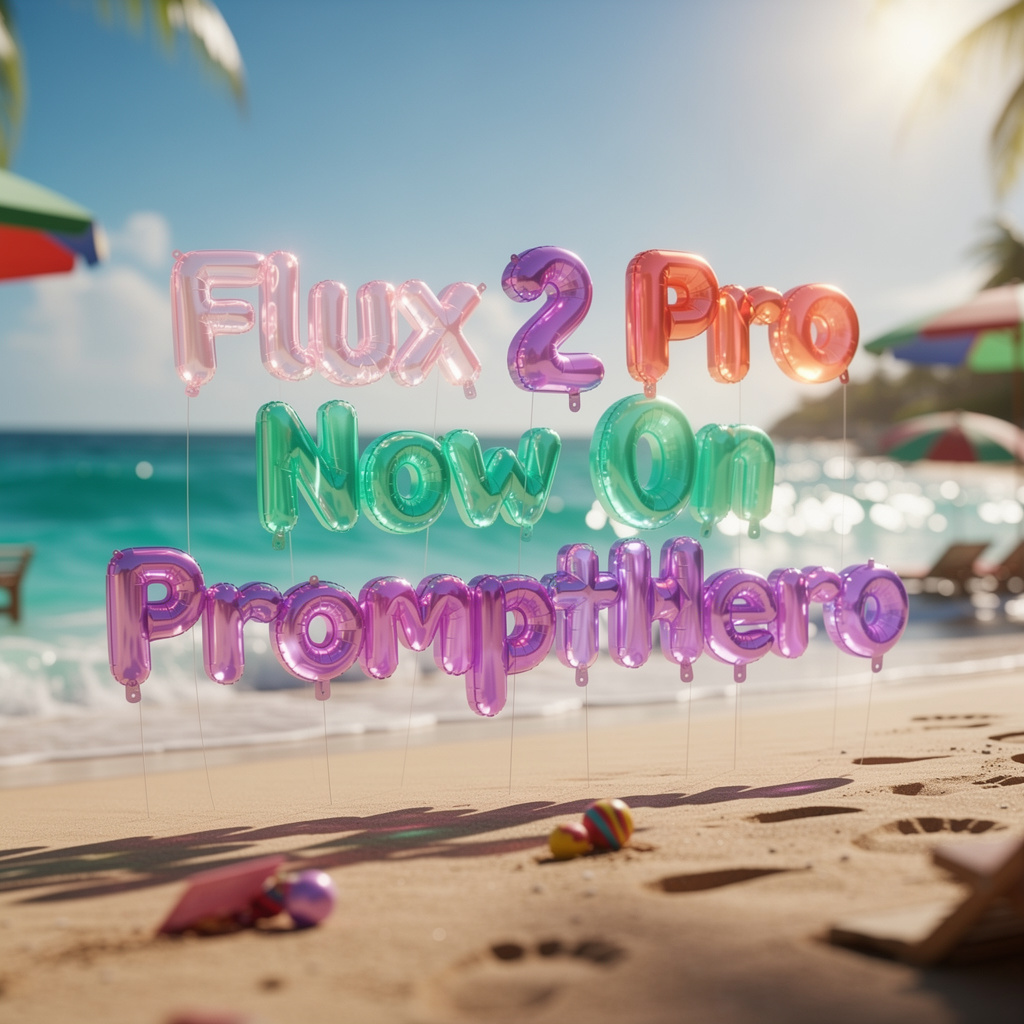
Flux 2 Pro enters the market with a clear goal: give creators, developers, and production teams a tool that produces consistent, high-quality images with minimal setup. The model evolves from earlier Flux versions and introduces a refined architecture that handles detail, lighting, spatial reasoning, and typography with far greater reliability.
Unlike many image models that require constant tweaking, Flux 2 Pro aims to simplify the process. You write a prompt, optionally attach one or several reference images and generate a result that meets professional quality standards. This design philosophy benefits users who need predictable output, not endless trial and error.
Features and Improvements
High-Resolution Visuals
Flux 2 Pro generates detailed, photorealistic images at high resolution. It brings sharper materials, more accurate lighting, and stable fine-grained detail that earlier models struggled to deliver consistently. Designers can use it for product shots, visual concepts, print materials, or digital assets without losing clarity.
Multi-Reference Input
The model allows multiple reference images in a single session. This capability helps maintain identity, style, or branding across a full set of outputs. Creative teams can design entire campaigns, product lines, or interface elements without dealing with inconsistent results.
Strong Typography and Layout
Many earlier diffusion models produced distorted or unreadable text inside images. Flux 2 Pro tackles this issue with improved control over typography and layout. It can render clean labels, UI components, infographics, and posters that need sharp, legible text.
Production-Ready Pipeline
Flux 2 Pro focuses on predictable performance. Its architecture reduces unnecessary tuning and speeds up generation, which matters when teams handle large content batches. Agencies or in-house design departments can integrate it into workflows without slowing down their schedule.
Flexible Deployment
Flux 2 Pro works in cloud environments for teams that want fast setup and scalable compute. Developers who prefer local control can choose lighter open-weight variants that run on their own hardware. This flexibility supports experimentation, commercial use, and custom integration.
Flux 2 Pro is Now Available on PromptHero
PromptHero now offers direct access to Flux 2 Pro, giving you a smooth way to explore the model the moment inspiration strikes. You open the creation page, write your idea, and generate results right away, all without installation, configuration, or technical steps.
FAQs
Does Flux 2 Pro create new images and edit existing ones?
Yes. It supports both generation and editing workflows, including image-to-image transformations and prompt-guided adjustments.
Can I run Flux 2 locally?
Yes. Some variants run on local GPUs. The Pro version usually targets cloud-based environments, while lighter open-weight models support local deployment.
How well does Flux 2 handle text inside images?
It handles text far better than earlier models. It produces clean, readable words and consistent typography across different layouts.
Does Flux 2 support multiple reference images?
Yes. It accepts several reference images at once and keeps style, subject identity, or brand elements consistent.
Can I use Flux 2 for commercial design work?
Yes. Its output quality and consistency make it suitable for professional tasks such as product design, marketing visuals, and UI mockups.
Does Flux 2 work for complex scenes?
It handles complex compositions more reliably than previous versions. However, intricate layouts may still require small manual adjustments.
Deja un comentario